

Running a business today means juggling more moving parts than ever; sales, inventory, payroll, customer relationships, and finances all happening at once, often across different tools that don’t talk to each other. The right software brings order to that chaos. The wrong one just becomes another tool to keep up with.
So how do you actually tell the difference before you commit?
Choosing business software can feel overwhelming, especially with so many options promising to do everything. Pick the wrong one and you end up with wasted money, frustrated employees, and systems that still don’t sync. Pick the right one, and you free up hours every week while getting a clearer picture of how your business is actually performing.
This guide walks through exactly what to look for, and why it matters, before you make a decision.
What’s next? Let’s start with why business software matters in the first place.
Why Business Software Matters
Modern businesses generate a lot of data every single day; sales, expenses, stock movements, payroll runs, customer interactions. Without the right tools, all of that becomes noise instead of insight.
The right software helps you:
- Automate routine, repetitive tasks
- Improve accuracy and cut down on manual errors
- Save time and reduce operational costs
- Generate real-time reports you can actually act on
- Manage customer relationships more effectively
- Support growth instead of getting in its way
Good software shouldn’t just solve today’s headache, it should still make sense for the business you’re building toward.
What should you actually look for, though? Let’s get into it.
Key Features to Look for in Business Software
When you’re comparing options, these are the features worth paying attention to:
- Ease of use — an intuitive interface that doesn’t require a manual to operate
- Invoicing and billing — create, send, and track invoices and payments without friction
- Expense tracking — capture and categorize spending as it happens
- Bank reconciliation — match transactions automatically instead of by hand
- Inventory management — real visibility into stock levels and movement
- Payroll management — accurate salaries, deductions, and compliance, every cycle
- Reporting — clear financial and performance reports without building your own spreadsheets
- Security — encryption, permissions, and backups that actually protect your data
- Customer support — real help available when something doesn’t go as planned
Knowing what to look for is one thing. Actually choosing between options is another. Here’s how to approach it.
Steps to Choosing the Right Software
Step 1. Map out your business’s specific needs. Look at your size, the complexity of your transactions, and the features you genuinely can’t operate without.
Step 2. Set a realistic budget. The cheapest option isn’t always the most affordable one once you factor in the time and errors it costs you later.
Step 3. Shortlist a few options that genuinely fit your needs and budget, and look for reviews from businesses similar to yours, not just polished case studies.
Step 4. Lean toward cloud-based software where possible. It’s accessible from anywhere, updates itself, and backs up your data automatically.
Step 5. Check the security measures in place. This is non-negotiable when it comes to financial and customer data.
Step 6. Use free trials or demos before committing. Test it the way your team will actually use it day to day, not just the highlight features.
Step 7. Talk to other business owners, your accountant, or industry peers about what’s genuinely worked for them.
Step 8. Confirm the provider offers real, responsive support, not just a help article and a contact form.
Once you’ve gone through these steps, one option usually stands out clearly from the rest.
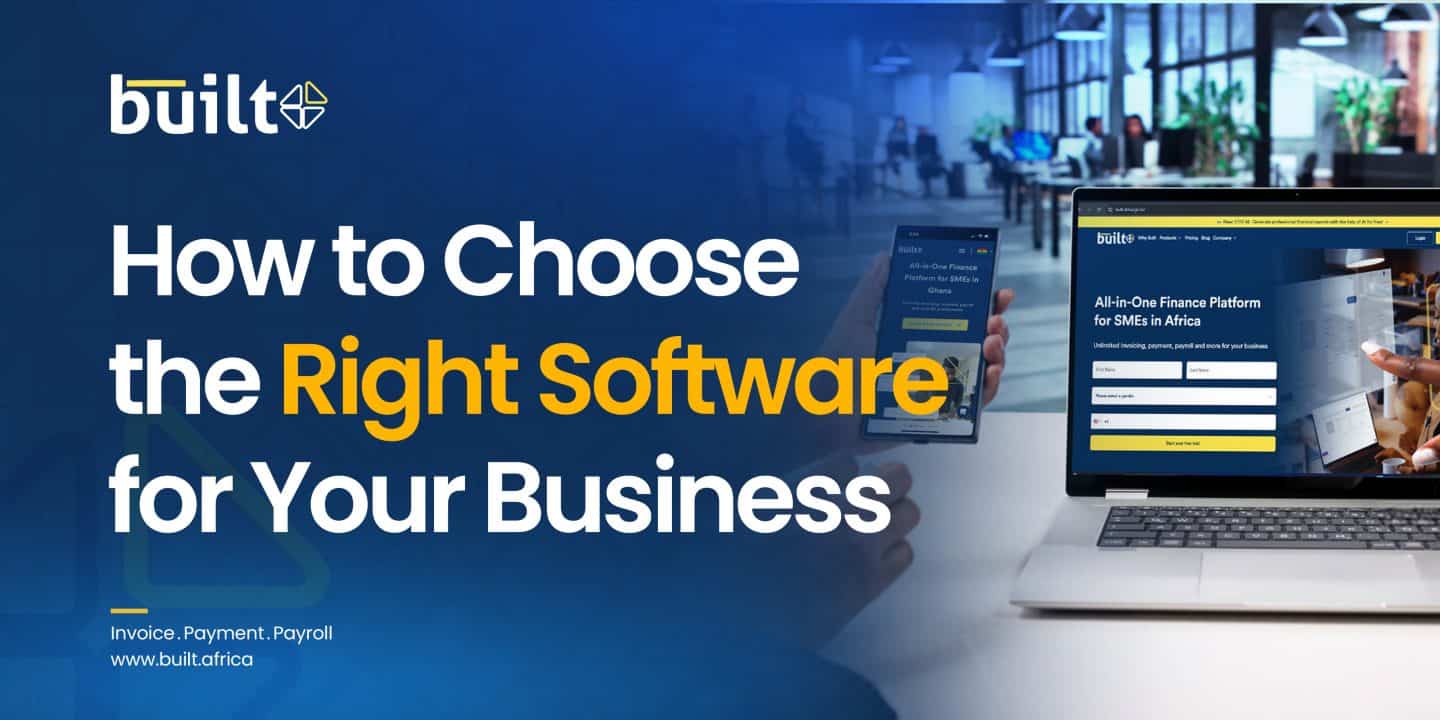
Built: An All-in-One Platform for Growing Businesses
Built is a complete business management platform, not just accounting software, designed to help businesses simplify operations and stay in control of their finances.
- Features: Accounting and bookkeeping, payroll management, CRM, inventory management, payment tracking, financial reporting, and business performance insights, all in one platform.
- Pricing: Flexible plans built to fit businesses at different stages, so you pay for what you need today, with room to add capabilities as you grow.
- Suitability: Ideal for SMEs that are tired of juggling disconnected tools and want one system that gives them a complete, real-time view of the business.
By bringing these functions together, Built helps businesses cut down on duplicate work, reduce errors, and make faster, better-informed decisions, without switching systems every time the business grows.
Factors to Consider When Selecting Business Software
1. Business size and complexity
The size of your business changes what you actually need.
- Small businesses: prioritize the essentials – invoicing, expense tracking, reports and reconciliation, without paying for features you won’t use yet.
- Growing or medium-sized businesses: look for more depth – inventory, payroll, multi-user access – since complexity increases quickly once you’re managing more people and more transactions.
2. Industry-specific requirements
Different industries need different things from the same software.
- Retail: strong inventory management and point-of-sale capability.
- Service-based businesses: solid invoicing, time tracking, and client management.
- Businesses with physical goods: stock tracking that updates in real time, not just at month-end.
3. Integration with what you already use
Your software shouldn’t create more silos. Check how well it connects with your existing CRM, e-commerce platform, or payment tools. Disconnected systems mean duplicate data entry and more room for mistakes.
4. User access and permissions
Think about who actually needs access, and to what.
- Owner/admin access: full visibility and control.
- Finance team access: reports and accounting functions.
- Other staff: limited access to only what their role requires, like expense submissions.
5. Mobile access
If you’re not always at a desk, and most business owners aren’t; mobile access matters. Look for a proper mobile app or at least a mobile-friendly interface so you can check on the business, from anywhere.
Conclusion
The right software won’t just keep your books straight; it’ll give you a clearer, more current picture of how your business is actually doing, and free up time you’re currently spending on manual work.
Once you’ve made your choice, take the transition seriously: migrate your data properly, train your team, and actually customize the setup to fit how you work. Rushing this step is the most common reason good software ends up underused.


This is managed by the marketing department









No Comments